.svg)


.svg)
Running LinkedIn ads means dealing with higher CPCs, limited native reporting, and increasingly complex attribution needs. The platform gives you targeting and reach, but it doesn't give you everything you need to actually optimize performance or prove ROI.
That's where the right tools come in. These seven platforms solve specific problems that LinkedIn's native interface can't handle, from scheduling ads during peak hours to tracking which campaigns actually drive pipeline.
#1. DemandSense: Attribution, Scheduling & Campaign Optimization
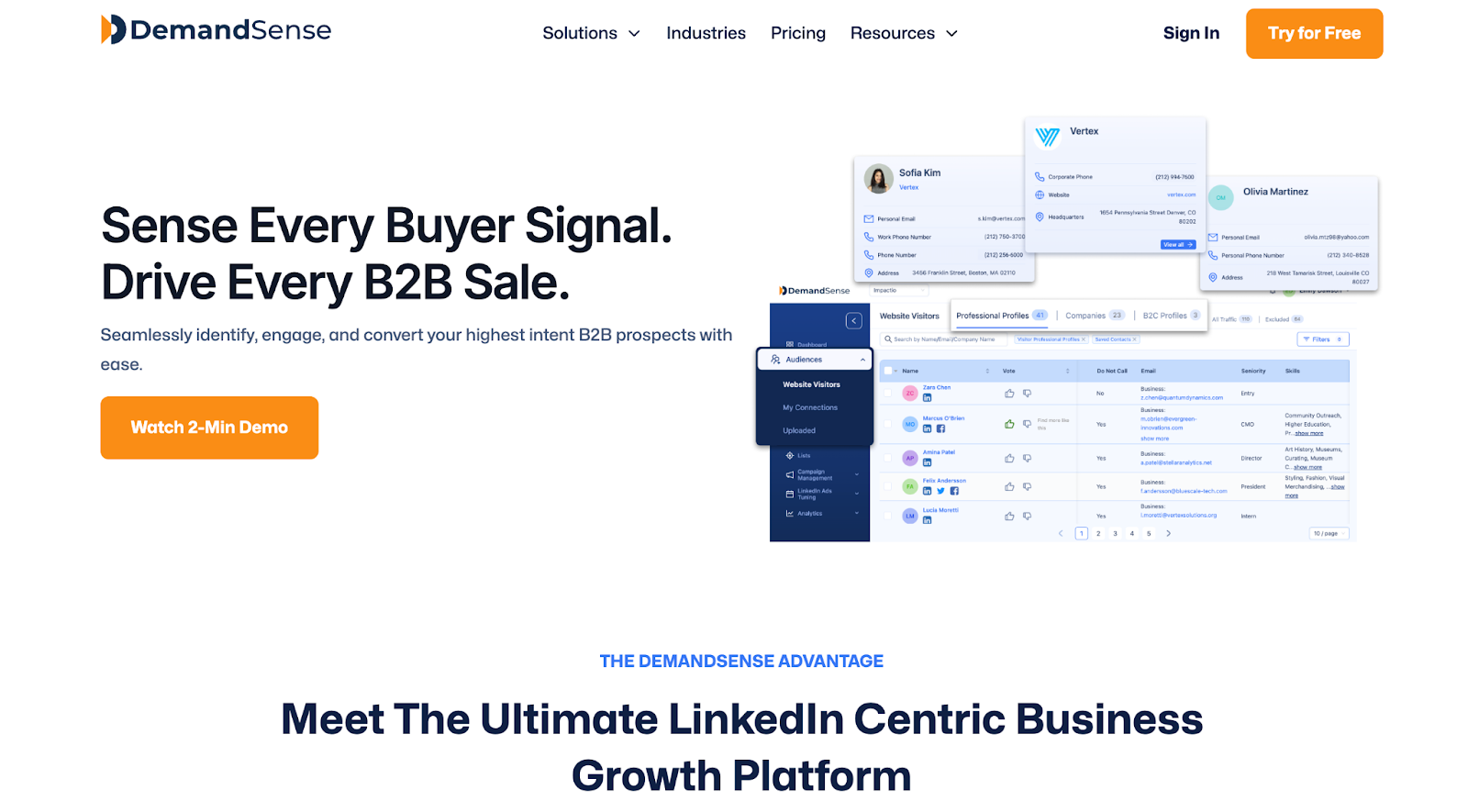
What it does: DemandSense tackles multiple LinkedIn gaps in one platform:
- Cross-channel attribution
- Automated ad scheduling by time zone
- Frequency capping
- Creative rotation
- Budget controls.
It connects LinkedIn performance to pipeline data while automating delivery optimization that LinkedIn doesn't offer natively.
Why you need it: LinkedIn doesn't let you schedule ads, cap frequency, or rotate creative automatically. It also stops attribution at clicks, leaving you guessing which campaigns drive actual revenue.
DemandSense consolidates what would normally require 3-4 separate tools (scheduling automation, attribution tracking, frequency management, and budget optimization) into one system.
For teams running multi-channel campaigns, it also ties LinkedIn performance to Google and Meta, showing how channels work together rather than in isolation.
Pricing: DemandSense offers flexible, usage-based plans with a free first month to test the platform before committing.
- DemandSense Basic
- $0 for the first month
- Then $99/month
- DemandSense Plus
- $0 for the first month
- Then $149/month
- Includes 250 data credits for revealing visitors or contacts
Best for: B2B teams spending $10K+/month on LinkedIn who need to justify spend with revenue data and want to stop wasting budget during off-hours.
Limitations: Requires LinkedIn API access and integration setup. Not a fit if you're only running small-scale brand awareness campaigns where attribution doesn't matter.
#2. Clay: Data Enrichment & List Building
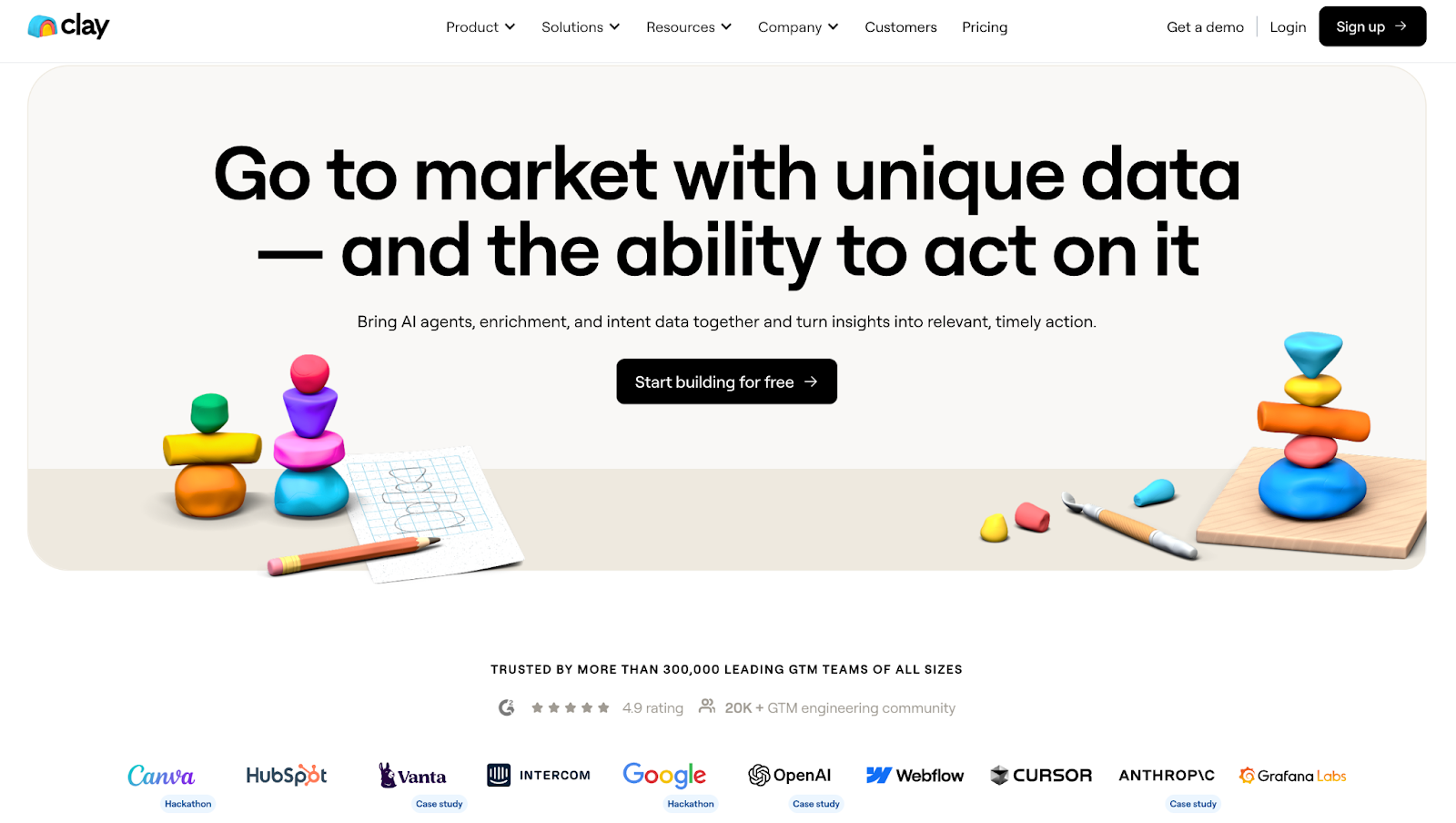
What it does: Clay consolidates 100+ data providers into one platform, letting you build enriched prospect lists using waterfall enrichment (trying multiple data sources until you find the info you need). It's essentially a data orchestration layer that sits between your research and your LinkedIn matched audiences.
Why you need it: Building high-quality LinkedIn audiences requires clean, enriched data. Clay automates the process of finding email addresses, phone numbers, job titles, and firmographics without subscribing to a dozen different data tools.
Pricing:
- Free plan (100 credits/month)
- Starter ($149/month or $134 annually)
- Explorer ($349/month or $314 annually)
- Pro ($800+/month or $720+ annually)
- Enterprise (custom pricing).
Best for: Teams running ABM campaigns or building custom LinkedIn audiences from scraped lists, event attendees, or CRM data that needs enrichment.
Limitations: Credit-based pricing can get expensive at scale. Steep learning curve—most users report needing weeks to fully understand the platform. Not plug-and-play.
#3. Chili Piper: Lead Form Routing & Instant Booking
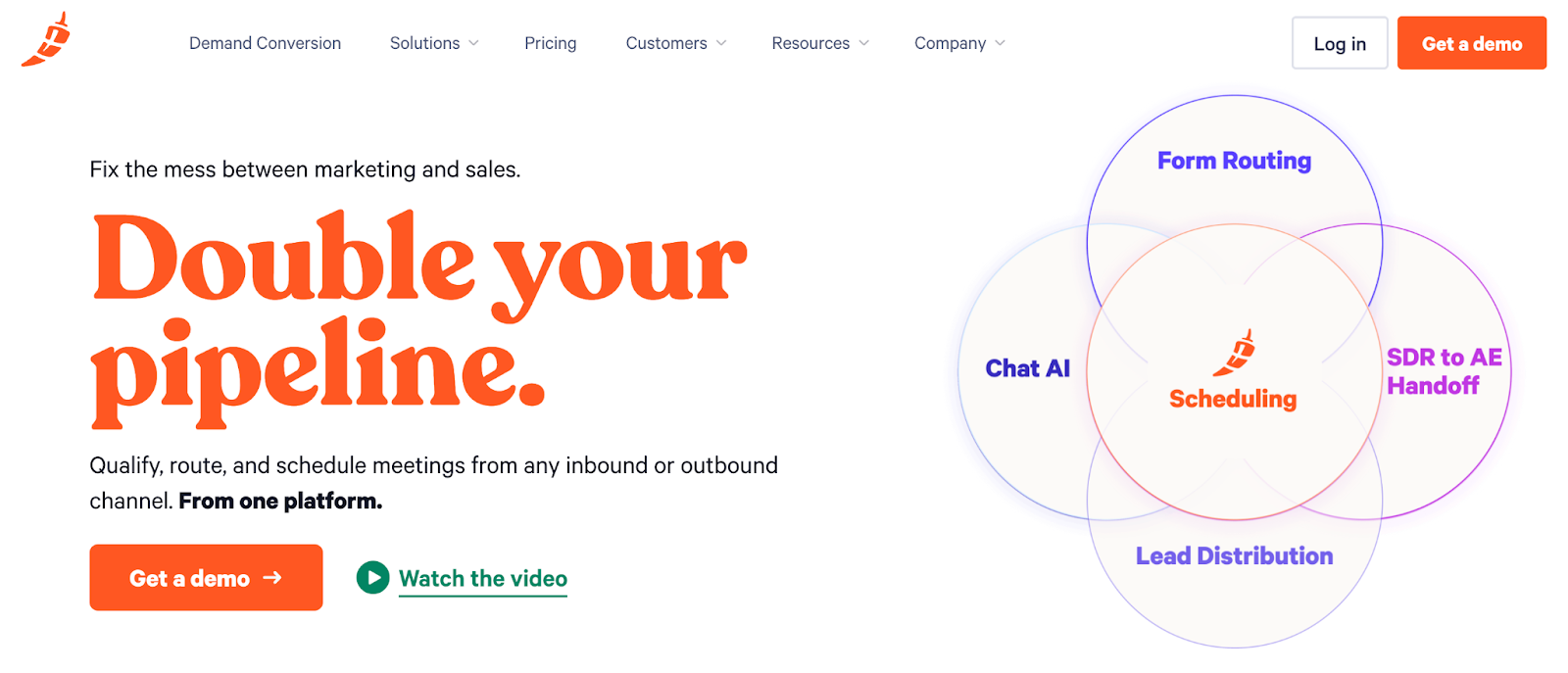
What it does: Chili Piper sits on top of LinkedIn Lead Gen Forms and instantly routes, qualifies, and books meetings. Instead of leads sitting in a queue, prospects get routed to the right rep and can book time immediately.
Why you need it: Speed-to-lead matters on LinkedIn. Research shows response times under 5 minutes convert 100x better than waiting an hour. Chili Piper eliminates the lag between form fill and rep contact.
Pricing: $15-30/user/month + platform fees starting at $150/month (scales to $1,000/month based on lead volume). Minimum commitment typically $2,000-5,000/year.
Best for: Sales teams running high-volume LinkedIn lead gen campaigns where immediate routing and booking impacts conversion rates.
Limitations: Expensive at scale, especially with platform fees tied to lead volume. Requires Salesforce or HubSpot integration. Implementation can take 4-6 weeks.
#4. Common Room: Account Signal Tracking
What it does: Common Room aggregates signals across platforms, including LinkedIn engagement, website visits, Slack community activity, GitHub contributions, product usage, and surfaces when target accounts show buying intent.
Why you need it: LinkedIn ads don't operate in isolation. Common Room shows you which accounts are engaging across multiple touchpoints, helping you prioritize ad spend and outreach on accounts already showing interest.
Pricing: Custom pricing. Reported to start around $2,000-3,000/month for mid-market teams.
Best for: ABM-focused teams targeting named accounts who want to layer LinkedIn ads with other engagement signals to identify the warmest opportunities.
Limitations: Expensive. Overkill if you're not running coordinated multi-channel ABM. Requires integrations with multiple platforms to deliver full value.
#5. 6sense: Intent Data & Predictive Analytics
What it does: 6sense tracks buyer intent signals across 500B+ data points monthly, identifying which accounts are actively researching solutions in your category. It uses predictive AI to score accounts and surface when they're entering buying mode, even before they hit your website.
Why you need it: LinkedIn shows you impressions and clicks, but it doesn't tell you if those accounts are actually in-market. 6sense layers intent data on top of your LinkedIn campaigns, helping you identify which target accounts are showing research behavior across the web and prioritize ad spend accordingly.
Pricing: Custom pricing. Reported range of $55,000-$130,000/year for most mid-to-large companies. Free plan available with 50 credits/month (very limited). Credit-based system for data access.
Best for: Enterprise B2B teams with clear ABM strategies who need to layer third-party intent data with LinkedIn advertising to identify and prioritize in-market accounts.
Limitations: Expensive and best suited for enterprise budgets. Requires major CRM integration (Salesforce or HubSpot). Credit-based pricing can become unpredictable at scale.
#6. Zapier: Workflow Automation for Lead Forms
What it does: Zapier automates workflows between LinkedIn Lead Gen Forms and your CRM, enrichment tools, or sales tools. It routes leads, enriches data, triggers sequences, and eliminates manual data entry.
Why you need it: LinkedIn Lead Gen Forms capture leads, but they don't do anything with them automatically. Zapier bridges the gap between form fill and action—assigning leads to reps, adding them to sequences, or enriching them with additional data.
Pricing:
- Free plan (100 tasks/month)
- Starter ($29.99/month for 750 tasks)
- Professional ($73.50/month for 2,000 tasks)
- Team ($103.50/month for 50,000 tasks)
Annual billing offers discounts.
Best for: Teams without native CRM integrations or those needing custom workflows that LinkedIn's built-in Salesforce/HubSpot syncs don't cover.
Limitations: Task limits can get restrictive at scale. More complex workflows require understanding Zapier's logic. Not real-time: delays can range from 1-15 minutes.
#7. Superside: Scalable Creative Production
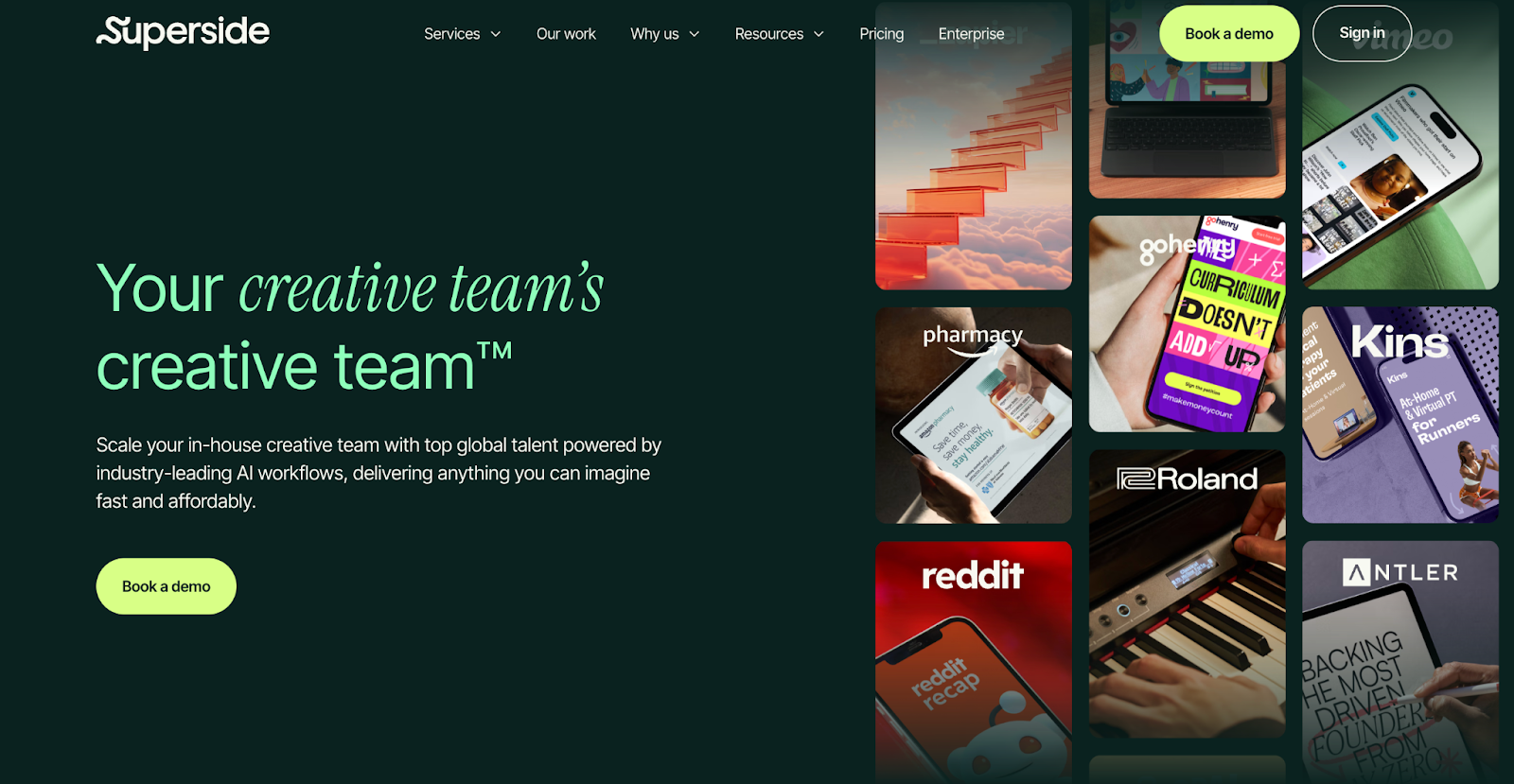
What it does: Superside is a design team-as-a-service that produces high-volume creative for testing. Instead of hiring freelancers or waiting on internal design queues, you get a dedicated team that can turn around dozens of ad variations quickly.
Why you need it: LinkedIn ad performance lives and dies by creative. Testing multiple variations—different hooks, visuals, CTAs—is how you find what works. Superside removes the production bottleneck.
Pricing: Starts at $5,000-7,000/month for ongoing creative subscriptions. Volume-based pricing for larger teams.
Best for: Teams running continuous LinkedIn campaigns who need fresh creative every 2-4 weeks to combat ad fatigue and test new angles.
Limitations: Monthly commitment required. Not cost-effective if you only need occasional design work. Overkill for small accounts running 1-2 static campaigns.
Pro Tip: Build Your Stack Around What You Need
None of these tools are mandatory. The right stack depends on where your LinkedIn ads are breaking down.
→ If you're wasting budget on off-hours, start with scheduling (DemandSense).
→ If you can't prove ROI, focus on attribution (DemandSense or 6sense).
→ If your lead follow-up is slow, add routing (Chili Piper).
→ If your creative is stale, bring in production support (Superside).
The worst approach is adding tools because they're popular. Figure out your specific bottleneck first, then build around it.

![How to Use LinkedIn Sales Navigator Search Filters Like a Pro [2026 Guide]](https://cdn.prod.website-files.com/67160f781eeef22eaf34d58e/69ce69e4309170b938673cf6_LinkedIn%20Sales%20Navigator%20-%20Thumbnail.png)