Trace which LinkedIn campaigns built your pipeline
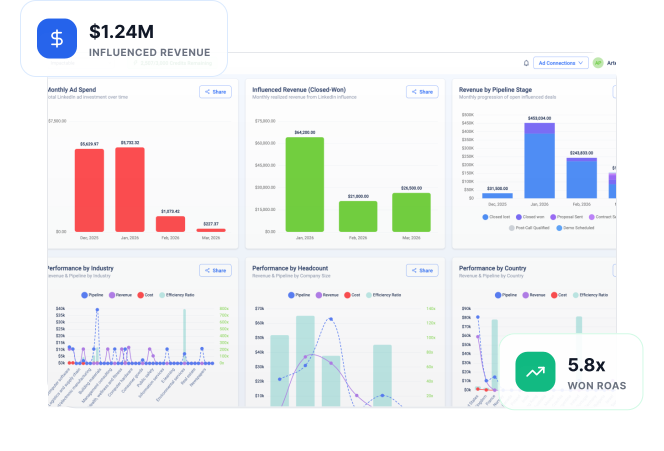
See your deal influence
in minutes.






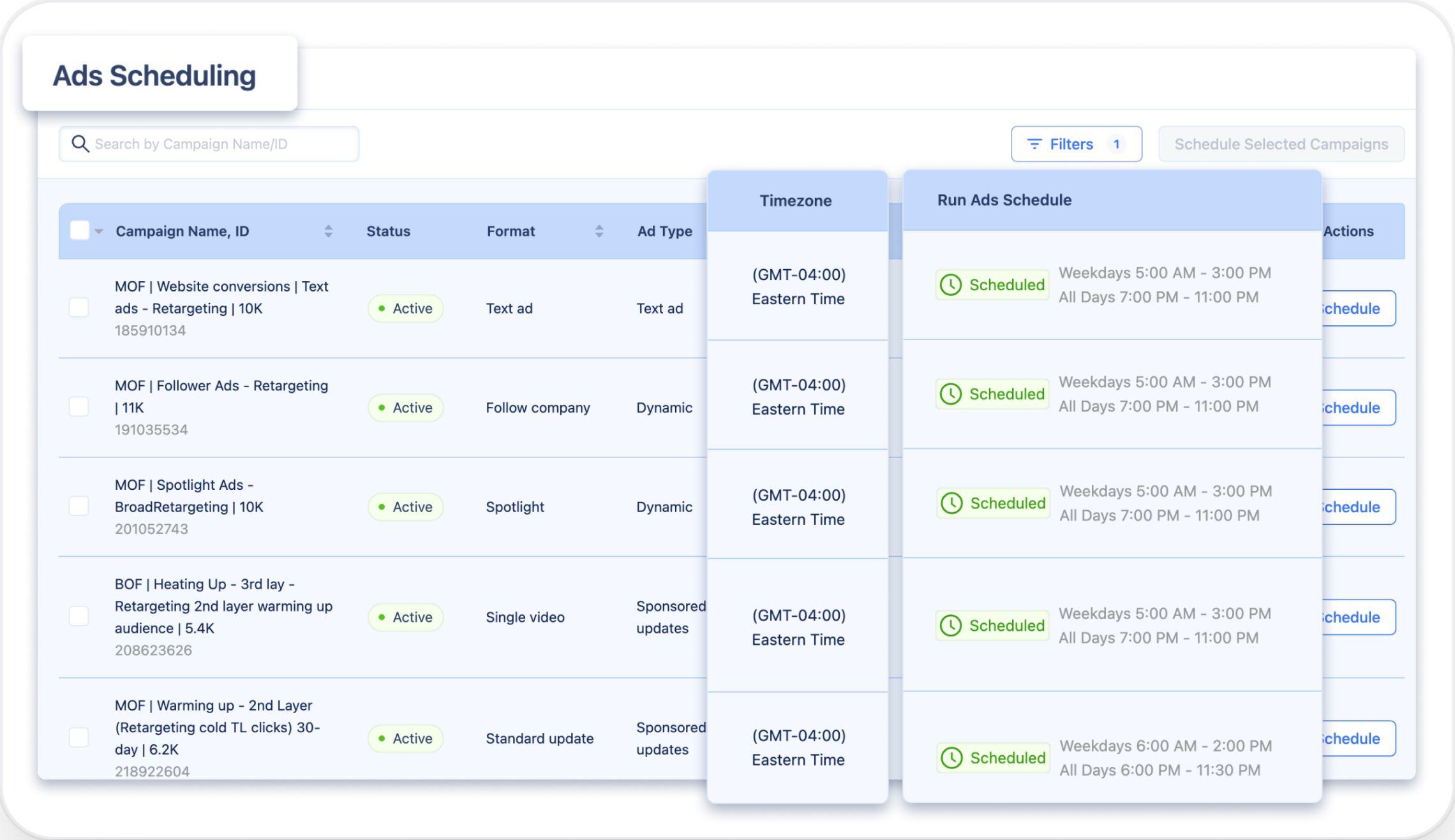
Ads run when nobody's looking

Everything rolls up into one number

You can't tell what's already working

.svg)

.webp)

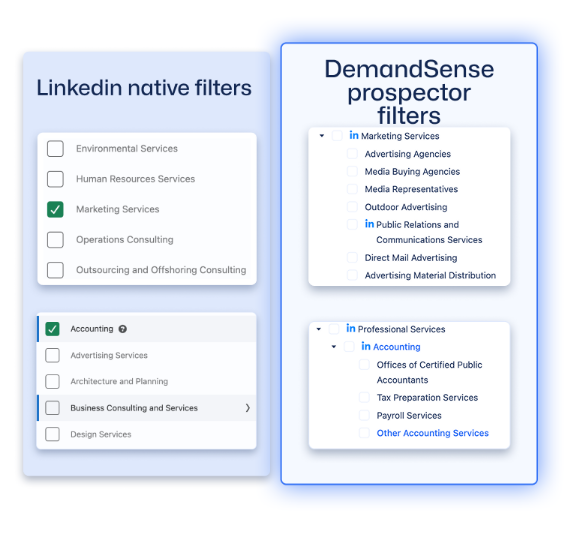


Link your LinkedIn ad account. DemandSense syncs campaign data automatically in minutes.
Authorize HubSpot or Salesforce. Deal data flows in and matches to LinkedIn accounts.
Pick a preset or build custom thresholds to match your actual sales cycle.
Your dashboard populates with influenced pipeline, revenue, and ROAS data.
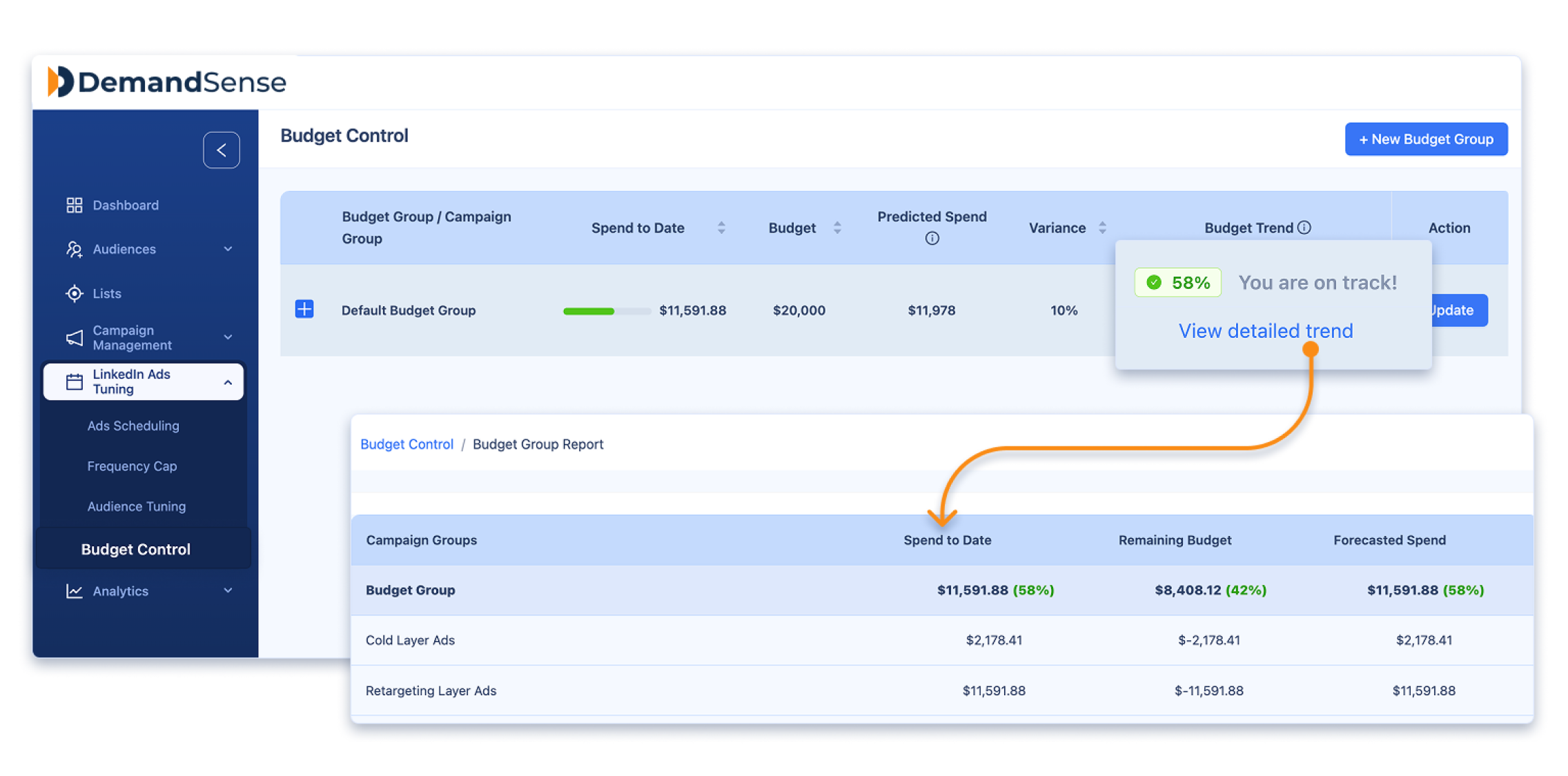
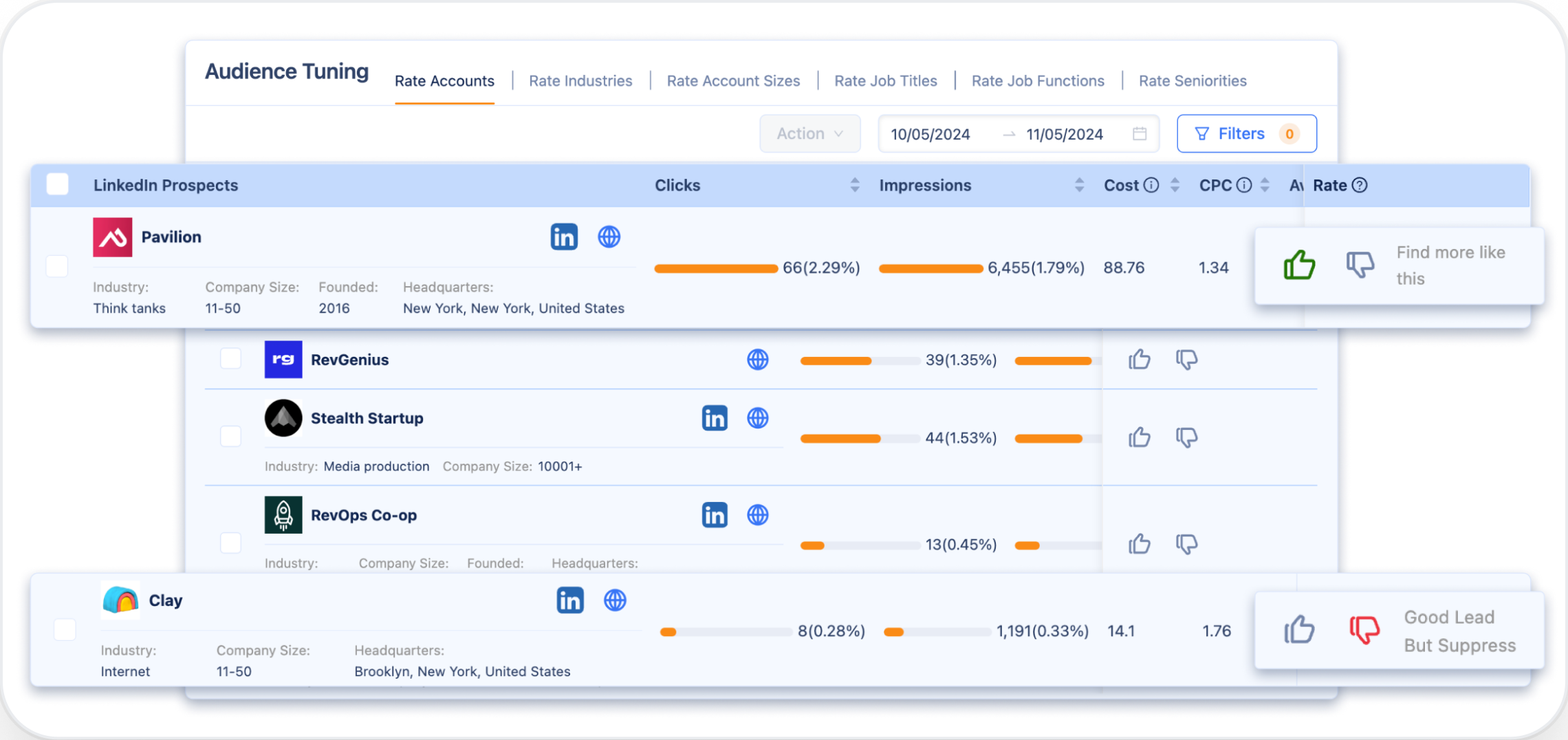
Enable Spend Protection and Pipeline Sync to automate your ad optimization.

Just wanted to say that I've been using DemandSense for almost a full week, and the early returns are pretty awesome. CPMs are down between 30-40%, impressions are up between 50-100+%, and clicks are up between 30-60%.

Linkedin Ad Scheduling of DemandSense is my favorite feature too, and it saves me thousands of $$ every month. I've been using it for 2+ years!

I'm a HUGE fan of DemandSense… probably reduced my cost per lead by 60% the second I turned it on. It's literally been the difference between a campaign being incredibly successful, or burning a hole in my pocket.

Just wanted to say that I've been using DemandSense for almost a full week, and the early returns are pretty awesome. CPMs are down between 30-40%, impressions are up between 50-100+%, and clicks are up between 30-60%.
Linkedin Ad Scheduling of DemandSense is my favorite feature too, and it saves me thousands of $$ every month. I've been using it for 2+ years!
I'm a HUGE fan of DemandSense… probably reduced my cost per lead by 60% the second I turned it on. It's literally been the difference between a campaign being incredibly successful, or burning a hole in my pocket.
Just wanted to say that I've been using DemandSense for almost a full week, and the early returns are pretty awesome. CPMs are down between 30-40%, impressions are up between 50-100+%, and clicks are up between 30-60%.
Linkedin Ad Scheduling of DemandSense is my favorite feature too, and it saves me thousands of $$ every month. I've been using it for 2+ years!
I'm a HUGE fan of DemandSense… probably reduced my cost per lead by 60% the second I turned it on. It's literally been the difference between a campaign being incredibly successful, or burning a hole in my pocket.
.svg)